

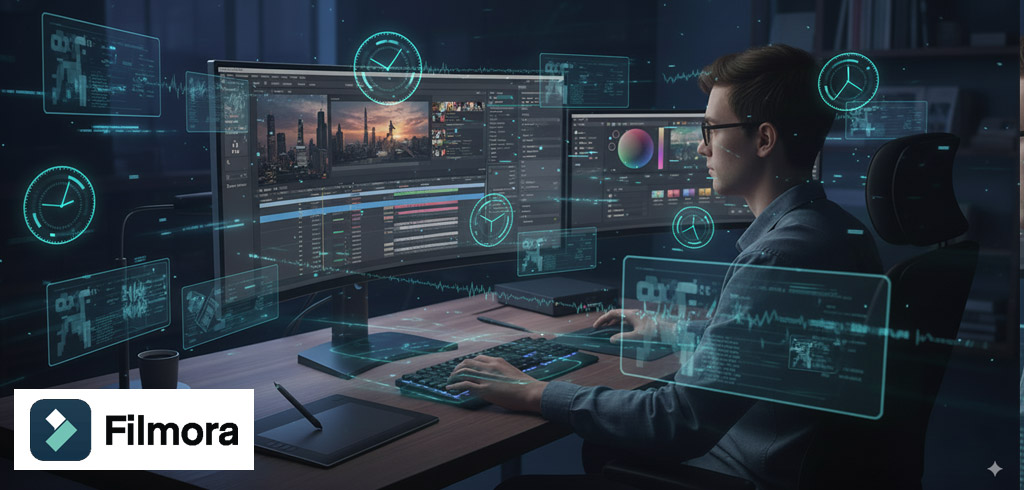
Why Editing Videos Has Never Been This Easy
Have you ever wondered how some creators polish their videos to perfection without spending hours in front of the screen? Imagine having a tool that can do most of the heavy lifting for you, while still letting you be creative. That’s exactly what Wondershare Filmora promises: a traditional video editor supercharged with powerful AI features that make video editing simple, fun, and professional.
What Makes Wondershare Filmora Stand Out?
Filmora has been a trusted name in video editing for over 15 years. But don’t think it’s old-fashioned. It has evolved into a modern powerhouse with AI tools designed to save time and improve your videos without complicated processes. Whether you’re a beginner or an experienced editor, Filmora makes editing accessible.
Curious About Its AI Features? Let’s Break Them Down
Have you ever wished you could cut out objects, remove background noise, or even create a video from your podcast?
Filmora’s AI features make all this possible:
- AI Smart Cutout: Select and remove objects from your scene with a simple brush stroke.
- AI Audio Denoise: Eliminate unwanted background noise instantly.
- AI Audio Stretch: Adjust music length to fit your video perfectly.
- AI Motion Tracking: Blur faces for privacy or add fun effects to make memes.
- AI Remove Background: Place your subject anywhere, even on the moon!
- AI Silence Detection: Remove hesitations and create smooth jump cuts.
- Audio-to-Video Conversion: Turn your podcast into visually appealing social media videos.
All these tools are designed for ease of use. You don’t need a professional editing course to create professional-looking videos.
Extra Creativity Boost: Templates and Auto Sync
Ever spent hours trying to align your cuts with the music beat? Filmora’s template library and auto beat sync handle this automatically, letting you focus on creativity. You can create videos quickly, whether for social media, personal projects, or professional campaigns.
Explore AI Avatar Media With Virbo
Filmora also offers a futuristic spin with Virbo, a platform for generating synthetic talking head videos. Imagine creating a talking avatar to represent you in tutorials or marketing videos—no camera, no expensive setup, just pure AI magic.
Pricing: How Much Does Filmora Cost?
Filmora is flexible depending on your needs:
- Free Plan: Includes all features but with a watermark on videos.
- Basic Plan: \$59.99/year.
- One-Time Purchase: \$79.99, though AI credits are limited.
This pricing makes Filmora accessible for hobbyists, creators, and professionals alike.
Wrapping Up: Why Filmora Could Be Your Next Go-To Video Editor
Have you ever wanted a video editor that combines traditional editing with futuristic AI tools? Wondershare Filmora is exactly that. It saves time, boosts creativity, and makes professional video editing achievable for everyone. Next time you see an eye-catching video online, imagine the possibilities if you could create one yourself—why not give Filmora a try and see your videos come alive?
FAQs
- Is Wondershare Filmora beginner-friendly?
Yes, Filmora is designed for beginners and professionals alike, with easy-to-use AI tools and tutorials. - Can Filmora remove background noise automatically?
Yes, the AI Audio Denoise feature removes unwanted background sounds instantly. - Does Filmora support AI motion tracking?
Absolutely! You can blur faces, track objects, or add fun effects easily. - Is there a free version of Filmora available?
Yes, the free version includes all features but adds a watermark to videos. - Can I create videos from my podcast using Filmora?
Yes, the Audio-to-Video feature converts your podcast audio into engaging video content for social medi