

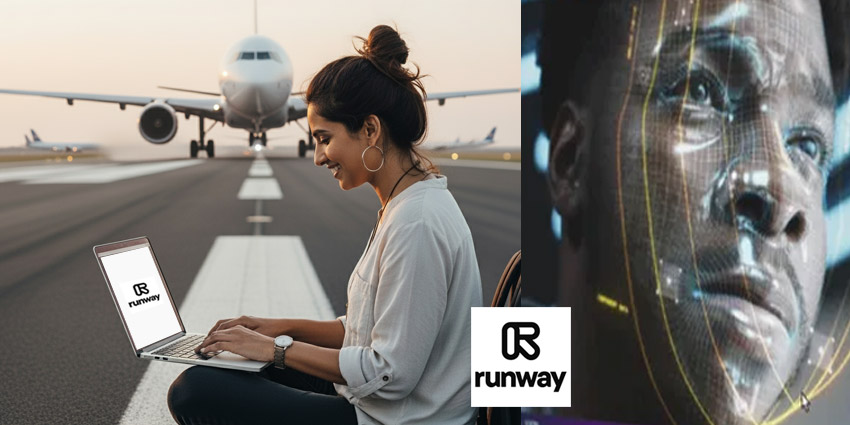
Imagine if you could create a movie scene by simply describing it in words or uploading a single image. Sounds like science fiction, right? But today, cutting-edge AI technology makes this possible. Have you ever wondered how creators generate breathtaking videos without expensive equipment or long hours of filming? Let me introduce you to Runway, an advanced AI video generator that turns your imagination into reality.
What Is Runway and Why Is It Special?
Runway stands out as a powerful tool for creators who want to generate unique videos using the latest generative AI technology. Available on the web and iOS, Runway combines advanced features and user-friendly support to help even beginners explore creative video production.
But here’s a question: Why not use traditional video editing tools? The answer is simple. Runway’s generative models do more than cut or stitch clips. They transform your videos in unexpected ways, allowing you to explore creative directions you may never have considered.
How Does Runway Work? Magic at Your Fingertips
Have you ever tried changing the weather in a video or seeing a different camera angle without reshooting the entire scene? With Runway, you just upload your video and type a text prompt describing what you want to change. Want the sunny scene to turn into a rainy evening? Done. Prefer swapping a sedan for an SUV in the frame? Easy.
Runway’s powerful Aleph model leads the way by offering advanced editing capabilities. It doesn’t just adjust lighting or framing—it creates entirely new angles, changes weather conditions, and replaces objects in your videos. These tools save production time while expanding your creative possibilities.
Gen-4: Smarter, Faster, Better
Are you familiar with chat-based AI tools? Runway’s Gen-4 model takes it a step further. Instead of endlessly chaining prompts and image references, you can now chat directly with the AI. Tell it what you want, get instant results, and keep refining your video step by step. This new chat interface makes the whole process more intuitive and interactive.
Act Two: Bringing Real Actors into the Digital World
Ever thought about controlling an actor’s emotions or movements with precision? With Act Two, you can. This feature allows you to upload recordings of real actors and control facial expressions, body movements, and even hand gestures. The output looks polished and professional, especially when creating stylized content. It’s like giving your video characters their own director.
Where Does Runway Fit in Your Creative Process?
Do you need professional footage for a big-budget movie? Maybe not. But Runway offers powerful tools to boost your video’s production value, especially if you work with a limited budget. Instead of replacing traditional filming, it creates a new category of video production. Curious to see what others are making? Check out the Runway Film Festival to explore innovative projects.
Automate Your Workflow with Zapier Integration
Want to make video creation part of your automated work process? Runway connects with Zapier, enabling you to build smart systems that automatically create videos. Imagine a project management app triggering a video based on your task updates. This integration saves time and keeps your projects moving smoothly.
What About the Cost?
Here’s something to consider: How much does such a powerful tool cost? Runway offers a free plan with 125 one-time credits—great for trying it out. If you want more features, the Standard Plan costs \$15 per month. It unlocks Gen-4 and Aleph, gives you 625 monthly credits, removes watermarks, and allows higher export quality.
Final Thoughts: Is Runway the Future of Video Creation?
Runway doesn’t just edit videos—it revolutionizes the way we think about video creation. It offers a world of possibilities, from changing a scene’s weather to directing an actor’s performance digitally. So, do you think AI video generators like Runway will become the standard in the future? Or will traditional filmmaking always hold its place?
If you found this article helpful, why not share it with your friends or colleagues? Who knows, they might be inspired to create their own AI-generated videos!
Frequently Asked Questions (FAQs)?
1. What is Runway?
Runway is an AI-powered video generator that helps you create and edit videos using text prompts and advanced editing models.
2. Can I use Runway for free?
Yes, Runway offers a free plan with 125 one-time credits, ideal for trying out its features before upgrading.
3. What makes Runway different from traditional video editors?
Runway uses generative AI models that transform videos creatively, like changing weather, camera angles, or objects, rather than just cutting and merging clips.
4. Is Runway easy to use for beginners?
Although Runway has a learning curve, it offers detailed help content and a high-quality Academy to help you master its tools.
5. Can I automate video creation using Runway?
Yes, by connecting Runway with Zapier, you can automate video generation based on actions in your apps and tools.