

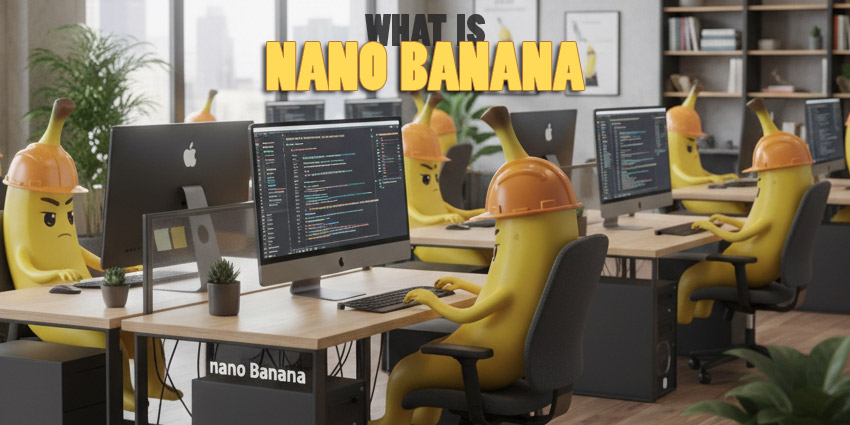
Have you ever imagined telling your computer exactly what you want in simple words and watching it turn into a stunning image within seconds? What if you could change your photo’s background, swap objects, or even blend multiple images together without any complicated software or technical skills? Welcome to the world of Nano Banana – Google’s newest and most advanced image generation and editing tool that feels like magic, but is pure technology.
What Is Nano Banana? And Why Is Everyone Talking About It?
At first, the name sounds quirky and fun – but Nano Banana is not just about its fruity codename. This powerful tool, now known as Gemini 2.5 Flash Image, is built into Google’s Gemini App and AI Studios. Whether you are a creative professional or a hobbyist, Nano Banana helps you generate, edit, and manipulate images simply by typing text instructions.
Have you ever struggled with Photoshop, trying to remove backgrounds or merge two photos perfectly? Nano Banana solves that pain point. It allows you to type natural language prompts like “replace background with a sunset” or “add a vintage effect,” and instantly delivers high-quality images. Plus, it works in real-time, saving you hours of tedious editing.
Why Is Nano Banana a Game-Changer in Image Editing?
In the crowded world of online AI image generators, what makes Nano Banana special? Let’s break it down.
1. Natural Language Processing – Editing Made Super Easy
Do you need to be a graphic designer to use this tool? Absolutely not. Nano Banana understands simple language. You can type long or complex sentences describing the change you want, and it works instantly. No need for masking, no complicated layers—just pure, simple text, and the job is done.
Imagine telling your computer, “Turn my photo into a night scene with stars,” and boom—your wish becomes reality. That’s the power of Nano Banana.
2. Consistency in Every Edit
Do you worry that repeated edits will distort your image or reduce quality? Nano Banana ensures every edit stays clean and consistent. Whether you swap the background multiple times, change angles, or adjust colors, your image stays sharp and true to its original look.
Professional designers love this because they don’t have to worry about losing image quality after several edits. It keeps everything balanced, just like a pro would do manually—but far faster.
3. Real-Time Editing at Lightning Speed
Have you ever spent hours editing a single image, trying to get every detail perfect? Nano Banana reduces this effort drastically. A single text prompt can change lighting, theme, colors, or even the time of day in your image—all in under a minute.
This speed makes it perfect for people working under tight deadlines. Why wait hours when you can achieve professional results in moments?
4. Blend Photos Effortlessly
Do you dream of merging multiple photos into one beautiful composition but dread complicated software? With Nano Banana, you simply upload your photos and describe what you want—like blending your portrait with your pet’s photo in a basketball court scene.
Nano Banana does the hard work, adjusting light, shadow, and colors automatically to make everything look seamless and natural.
5. Multi-Turn Editing – Keep Perfecting Step by Step
What if you want to keep improving the same image over time? Nano Banana supports multi-step edits. You can start by changing the background, then add a bookshelf, swap wall colors, and finally change the object’s appearance—all while preserving the previous changes.
It’s like having a collaborative editor that listens to your instructions, making every image better without losing control.
6. Style Mixing – From Inspiration to Creation
Ever wondered how designers experiment with textures and patterns? Nano Banana lets you apply the style of one image to another. Want to use the texture of butterfly wings on your rain boots design? Or turn your photo into a painting style from a famous artist?
This tool makes creative ideas come alive. Designers, brands, and even social media users find it extremely useful for mockups and campaign visuals.
Simple Ideas You Can Try Right Now
Why not get creative today? Here are a few fun suggestions:
- Imagine yourself in different outfits or professions. Upload your photo, and watch Nano Banana place you in a business suit, astronaut outfit, or vintage attire.
- Blend multiple photos together to create a stunning scene. Combine your photo with a picture of your dog or favorite place.
- Try multi-turn editing by starting with a blank room and adding furniture, color themes, or objects step by step.
- Experiment with style mixing: Apply the floral pattern from a photo of flowers to your digital art or fashion design.
Why You Should Care About Nano Banana
Do you see how easy and powerful Nano Banana is? It takes the complexity out of image editing and puts creativity in your hands. You don’t need expensive software or professional skills anymore. The speed, ease, and flexibility make it perfect for everyone—from bloggers and designers to social media enthusiasts.
Are you excited to share this technology with your friends, family, or colleagues? Think about the creative possibilities they’ll unlock with Nano Banana.
Let’s spark a creative revolution together. What will you create first with Nano Banana? Share this article and inspire others to explore the future of image editing.
FAQ about Nano Banana
1. What is Nano Banana by Google?
Nano Banana, now Gemini 2.5 Flash Image, is Google’s advanced image generation and editing tool that creates and modifies images using simple text prompts.
2. Do I need technical skills to use Nano Banana?
No technical skills are required. Just type in natural language prompts, and Nano Banana edits or generates images instantly.
3. Can I blend multiple images using Nano Banana?
Yes! You can upload multiple photos and blend them together using simple prompts for perfect image combinations.
4. What makes Nano Banana better than other image editors?
It offers real-time editing, multi-turn adjustments, style mixing, and high consistency in edits, making it faster and easier than conventional editors.
5. Is Nano Banana useful for professional designers?
Absolutely! It helps designers, marketers, and content creators experiment with designs, textures, and mockups quickly without expensive software.