

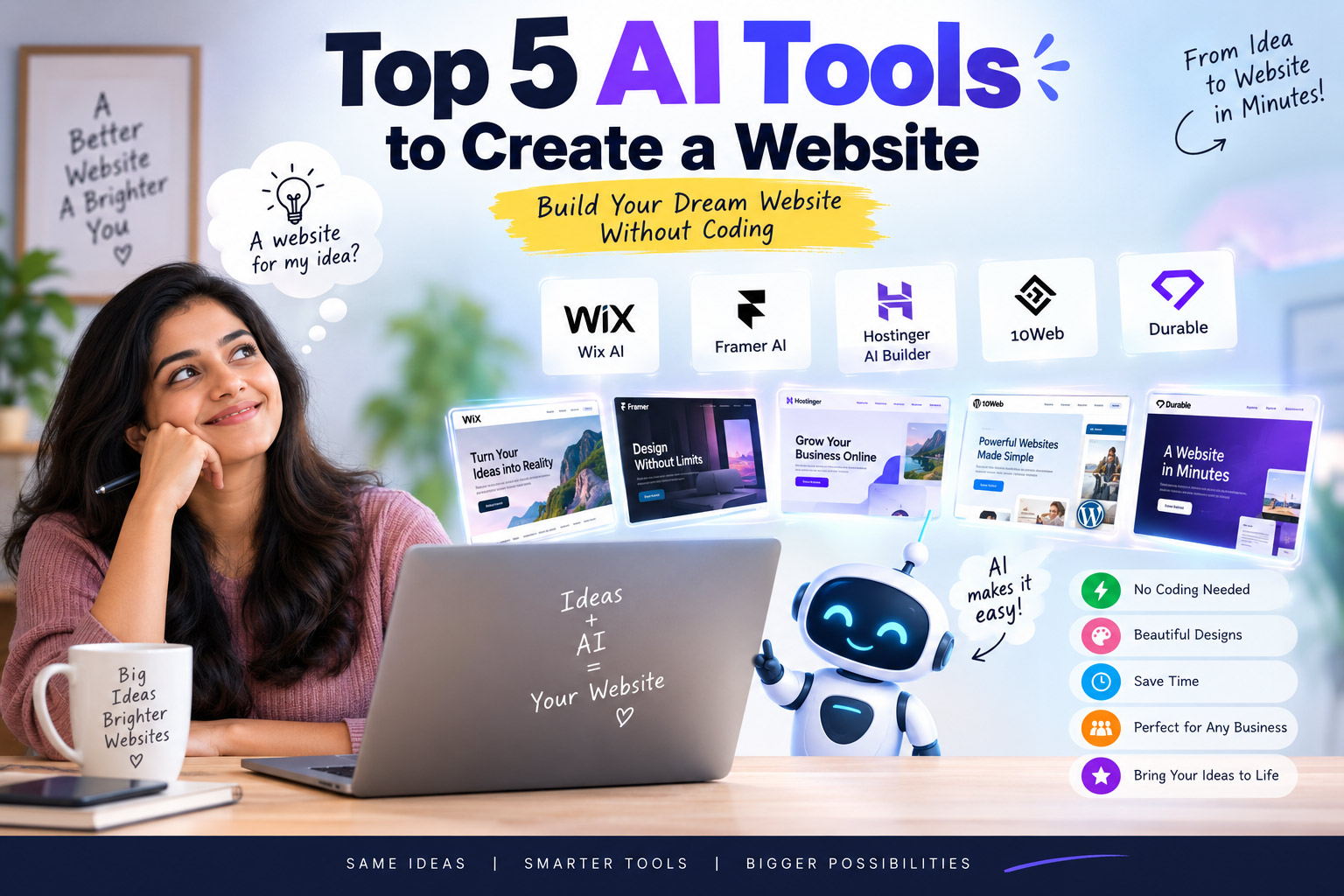
What Is an AI Website Builder?
Imagine having a website idea in your mind but no idea how to turn it into a real website. You don’t know HTML, you don’t understand web hosting, and words like domain, CSS, responsive design and SEO sound complicated. Now imagine simply telling an AI what your website should look like and watching it build the first version for you. Sounds surprising, right? That is exactly why AI website builders are becoming so interesting. In this article, let’s explore five AI tools that can help you create a website without becoming a web developer.
Before we look at the tools, let’s understand one simple question. What exactly does an AI website builder do?
An AI website builder uses artificial intelligence to help create a website from your instructions. Instead of starting with a blank page, you describe your business, idea or project in simple language.
For example, you could tell the AI, “Create a modern website for a Chennai-based interior design company with Home, About Us, Services, Projects and Contact pages.” The AI can then create an initial website structure based on your description.
You can usually change the text, images, colors, sections and layout afterward. Therefore, you don’t need to accept the first version as the final website.
Do You Really Need Coding Skills?
Here comes the interesting part. Do you need to learn programming before creating a website with these tools?
In many cases, you don’t.
Modern AI website builders aim to make website creation easier for beginners. You can explain what you want using normal language instead of writing complicated code.
However, that doesn’t mean AI will magically create the perfect website every time. You still need to review the content, check the images, test the pages and make sure everything represents your business correctly.
That human touch can make a huge difference.
1. Wix AI – A Strong All-Round Website Builder
Let’s start with one of the biggest names in website creation: Wix.
Wix’s current AI website builder lets you describe the website you want and generates a starting point from your instructions. You can then continue making changes with its built-in AI assistant, Aria, or edit the website manually.
This approach makes Wix interesting for beginners because you don’t have to choose between AI and traditional editing. You can use both.
How Does Wix AI Work?
Suppose you want to create a website for a small bakery.
You could tell Wix that you need a bakery website with a product gallery, About Us page, contact details and online ordering. The AI can create a starting website based on your description.
After that, you can change the design and content yourself.
You can also ask the AI to create pages, sections and visual elements. Wix combines these AI features with traditional editing tools, giving users more control over the final result.
Who Should Choose Wix AI?
Wix AI works well for small businesses, freelancers, entrepreneurs, restaurants, consultants and people creating their first website.
It also supports different types of websites, including business websites and online stores.
The biggest advantage comes from its combination of AI assistance and visual editing.
You don’t have to depend completely on AI. You can take control whenever you want.
2. Framer AI – For Beautiful and Modern Websites
What if appearance matters more to you than anything else?
That’s where Framer becomes interesting.
Framer focuses strongly on visual design and modern websites. Its AI tools can generate website structure, sections, copy and other elements from a prompt. You can then continue editing everything on its visual canvas.
Why Is Framer Different?
Framer doesn’t simply generate a website and leave you alone.
You can continue refining the design after AI creates the first version. You can adjust typography, spacing, layouts, responsive behavior, effects and other design details.
That makes it particularly attractive for designers, startups, portfolios and businesses that want a polished online presence.
For example, imagine telling Framer that you want a premium photography portfolio with large images and smooth animations.
The AI can give you a starting point. You can then visually refine the result until it matches your style.
Who Should Choose Framer?
Framer makes a strong choice for portfolios, startup websites, creative businesses, landing pages and modern marketing websites.
It also includes CMS, SEO tools, analytics and managed hosting, so you can handle several parts of the website journey within the same platform.
If your biggest concern is, “Will my website look modern?”, Framer deserves a place on your shortlist.
3. Hostinger AI Website Builder – Create a Website Without Technical Knowledge
Now let’s talk about a tool that focuses heavily on simplicity.
Hostinger’s AI Website Builder lets you describe your website idea and uses AI to create the first version. You can then edit the website manually or ask the AI to make changes.
The interesting part is that Hostinger combines website creation with hosting and domain-related services.
That means beginners don’t necessarily need to figure out every technical component separately.
What Can You Create With Hostinger AI?
You can create different types of websites, including business websites, blogs, portfolios, online stores and other projects. Hostinger also offers AI-powered tools for areas such as content creation, images and SEO.
For someone who simply wants to get a website online without dealing with complicated technical steps, this approach can save time.
You describe your idea, generate the website, customize it and publish it.
Sounds simple, doesn’t it?
Who Should Choose Hostinger AI?
Hostinger can suit beginners, freelancers, small businesses and people who want website creation and hosting under one roof.
It also offers AI features for more advanced projects through its AI Builder experience.
If you are starting your first website and want fewer technical decisions, Hostinger deserves serious consideration.
4. 10Web – An Interesting Choice for WordPress Users
Are you already familiar with WordPress?
If your answer is yes, 10Web becomes particularly interesting.
10Web focuses on AI-powered website creation around the WordPress ecosystem. That makes it different from platforms that keep everything inside their own website-building environment.
Why Consider 10Web?
WordPress powers a huge number of websites, but creating and managing a WordPress website can sometimes feel complicated for beginners.
AI can reduce some of that complexity.
Instead of starting from scratch, users can use AI-assisted tools to create website content and structure and then continue working with WordPress.
This approach can appeal to bloggers, businesses and website owners who want the flexibility of WordPress while using AI to speed up the initial work.
Who Should Choose 10Web?
10Web makes the most sense for people who specifically want a WordPress-based website.
It can also appeal to agencies and freelancers who create multiple websites and want to reduce the amount of repetitive work involved in starting each project.
If you already use WordPress, this is one tool worth investigating.
5. Durable – When Speed Matters Most
Now, let’s imagine a different situation.
You run a small business and suddenly realize that you need a website. You don’t want to spend days learning web design. You simply want something online quickly.
This is where Durable becomes interesting.
Durable focuses heavily on fast website creation with AI. The idea is simple: provide information about your business and let AI help generate the website.
Why Is Durable Interesting?
Speed is its biggest attraction.
A small business owner may not know how to choose a layout, write website copy or organize different sections. AI can help with these initial decisions.
For example, a local cleaning company could provide its business information and ask the AI to create a professional website.
The generated website can then act as a starting point that the business owner can customize.
Who Should Choose Durable?
Durable can appeal to freelancers, consultants, local businesses and entrepreneurs who want to get a basic website online quickly.
It may not suit every complex website requirement. However, for someone who thinks, “I just need a professional website without spending weeks building it,” speed can become a major advantage.
AI Website Builders: Which One Should You Choose?
We have looked at five tools. But which one should you actually choose?
The answer depends on what you want from your website.
If you want a flexible all-round solution, Wix AI offers a strong combination of AI generation and manual editing.
If visual design matters most, Framer AI stands out with its design-focused approach and editable visual canvas.
If you want website creation combined with hosting and a simple setup, Hostinger AI Website Builder makes a practical choice.
If you specifically want WordPress, 10Web deserves a look.
Finally, if your biggest priority involves getting a simple website online quickly, Durable can be an attractive option.
AI Can Create the Website, But You Still Need to Think
Here is something every beginner should remember.
AI can create a website quickly, but speed doesn’t automatically mean quality.
You still need to check the information carefully. You should replace generic text with your real business information and use images that represent your brand.
You should also check the website on a mobile phone.
Why?
Because many visitors may access your website from smartphones. A website that looks great on a computer can still provide a poor experience on a small screen.
You should also check your contact forms, buttons, links, spelling, pricing information and business details before publishing.
Don’t Let AI Write Your Entire Website Without Checking It
AI can write impressive content in seconds.
However, AI doesn’t know your business the way you do.
Imagine asking AI to write an About Us page for a company that has operated for 25 years. Unless you provide those details, the AI doesn’t know the company’s real history.
Therefore, use AI as a creative assistant rather than blindly copying everything it generates.
Add your experiences, stories, achievements and personality.
That combination can make your website feel human.
Can AI Really Replace a Web Designer?
This question deserves a little thought.
Can someone use AI to create a website without hiring a web designer?
Yes, in many simple cases.
But does that mean professional web designers no longer have a role?
Not necessarily.
A professional website involves much more than putting sections on a page. A good designer thinks about branding, user experience, navigation, typography, conversion, accessibility and the customer’s journey.
AI can speed up many tasks, but someone still needs to make good decisions.
In fact, AI may help skilled designers work faster rather than replace them completely.
What Should You Check Before Publishing an AI Website?
Don’t click the Publish button immediately after AI generates your website.
Take a few minutes to check the important details.
First, check whether every page contains accurate information. Next, test every button and contact form.
Then check the website on your phone and tablet.
After that, look at your page titles, descriptions and headings. These elements can help search engines understand your website.
Finally, ask someone else to visit the website.
Sometimes another person can notice problems that you completely missed.
The Future of Website Creation Is Becoming More Conversational
Website creation is changing rapidly.
Earlier, creating a website often meant learning coding, choosing hosting, installing software and spending hours adjusting layouts.
Today, AI lets people communicate their ideas using ordinary language.
That changes the experience completely.
Instead of asking, “How do I code this section?”, you can increasingly ask, “Can you create a pricing section with three plans?”
Instead of manually rewriting every paragraph, you can ask AI to make the content shorter.
Instead of starting with a blank screen, you can begin with an AI-generated concept.
That doesn’t remove the need for creativity.
It makes creativity easier to turn into something real.
Final Thoughts: Your Next Website Could Start With One Sentence
The most exciting part of AI website builders isn’t simply that they can create websites quickly. The real change comes from who can create a website now.
You don’t need to understand every technical term before you start. You don’t need to become a programmer overnight. You simply need an idea, some patience and the willingness to improve what AI creates.
So, which website would you create if you could build one today with just a few sentences? Would you create a business website, start a blog, launch an online store or finally turn that idea you’ve had for years into something real? And if AI can help almost anyone build a website today, who do you know that still thinks website creation is only for programmers? Share this article with them and let them discover what AI can do.
Frequently Asked Questions
1. What is the best AI tool to create a website?
There isn’t one perfect tool for everyone. Wix AI works well as an all-round option, while Framer suits people who care strongly about visual design. Hostinger can suit beginners who want website creation and hosting together.
2. Can I create a website with AI without coding?
Yes. Modern AI website builders allow beginners to describe their requirements in normal language. The AI can then create an initial website that users can customize without writing code.
3. Are AI-created websites good for small businesses?
Yes. AI website builders can help small businesses create websites quickly. However, owners should replace generic AI content with accurate business information and check the website carefully before publishing.
4. Can AI create an online store?
Yes. Several AI website platforms support e-commerce features. However, you should check whether the platform supports the payment methods, product management, shipping options and other features your business needs.
5. Will AI replace web designers?
AI may automate many repetitive website tasks, but professional web designers still provide valuable skills. Branding, user experience, strategy, accessibility and conversion-focused design require thoughtful human decisions.